

Turn on Meta Ad Conversions with your Meta credential
Text Agents & InboxNewSep 7 – 13, 2026
Meta Ad Conversions no longer has its own switch: connect a Meta credential right in the agent, choose your conversion event, and conversions run.
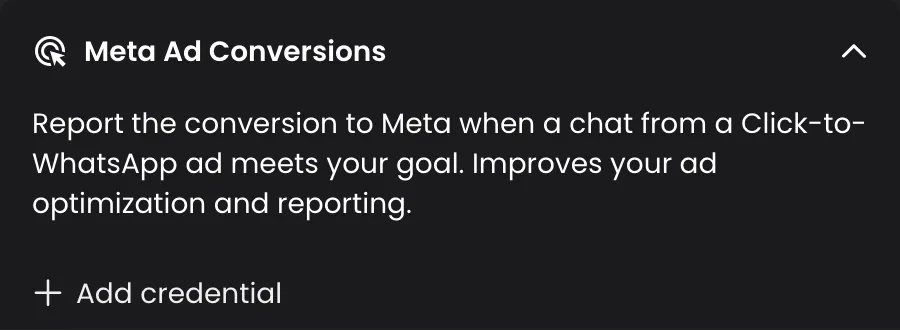
Meta Ad Conversions tells Meta when a chat that started from a Click-to-WhatsApp ad reaches your goal, so Meta can optimize your ads for people who convert. Setting it up is now simpler: the separate on/off switch is gone. The credential and the event you choose are what turn it on, and you can add the credential without leaving the agent.
How it works
- Open your text agent and go to the Conversation Analysis tab.
- Expand the Meta Ad Conversions panel.
- If your workspace has no Meta credential yet, click Add credential, fill in the Meta Ads Integration dialog and save.
- Choose the Conversion event that counts as a conversion. Conversions start running.
- Optionally, write in When to count it as a conversion the rule for when a chat qualifies.
Turn it off or remove it
- Clear the Conversion event to turn conversions off for this agent. The rule you wrote is kept, so picking an event again turns it back on with the same rule.
- Removing the credential asks you to confirm first, because the credential is shared across the whole workspace.
Good to know
- You can still add the credential from Settings, as before.
- Only conversations that started from a Click-to-WhatsApp ad are reported.