

New voice agents start on Dapta Auto
Voice AgentsNewOct 19 – 25, 2026
Every new voice agent starts on Dapta Auto, the model Dapta chooses, tests and keeps up to date. The agents you already have keep their model.
New voice agents now start on Dapta Auto, the model Dapta chooses, tests and keeps up to date, as new text agents already do. You no longer have to compare models when you create an agent: when Dapta moves Dapta Auto to a better model, every agent on it gets the change without you touching anything.
Where it applies
- Voice agents you make in the create wizard.
- Voice agents Dapti makes for you.
- Voice agents created through the API without a model.
Choose the model of any agent
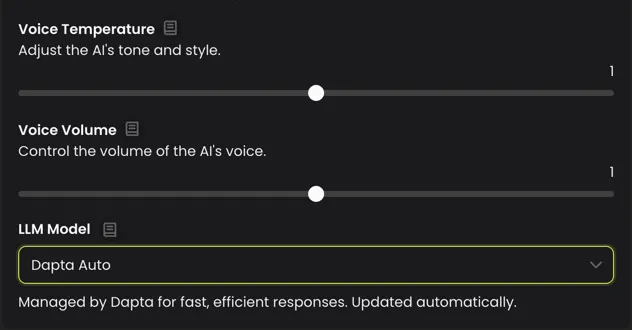
Existing voice agents keep their model. You can move one to Dapta Auto, or pick another model for any agent, whenever you decide.
- Open your voice agent and go to the Settings tab.
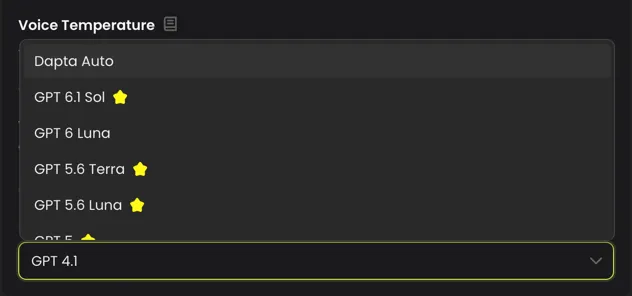
- Open Voice Settings and click LLM Model. Dapta Auto is the first option.
- Pick the model you want and click Save changes.
- Try the agent in Test Agent with the questions your callers ask most.
Good to know
- Reasoning effort isn't available on Dapta Auto: Dapta sets it.
- Calls on Dapta Auto cost the same per-minute rate as on any other model.
- A new model can phrase things differently, so listen to a few test calls before the agent takes real ones.